Multicasting
What is Multicasting
Multicasting is when one object/input/output is connected to multiple locations. Multicasting is useful for reducing the clutter in a map.
The editor makes it easy to multicast with the addition of the Connect & Continue option. When connecting two objects, press the Options > Connect & Continue buttons (Left Ctrl+ Space on PC, LT + A/X on console).
Order of Operations
When multicasting, it's important to understand the order in which logic chains will run.
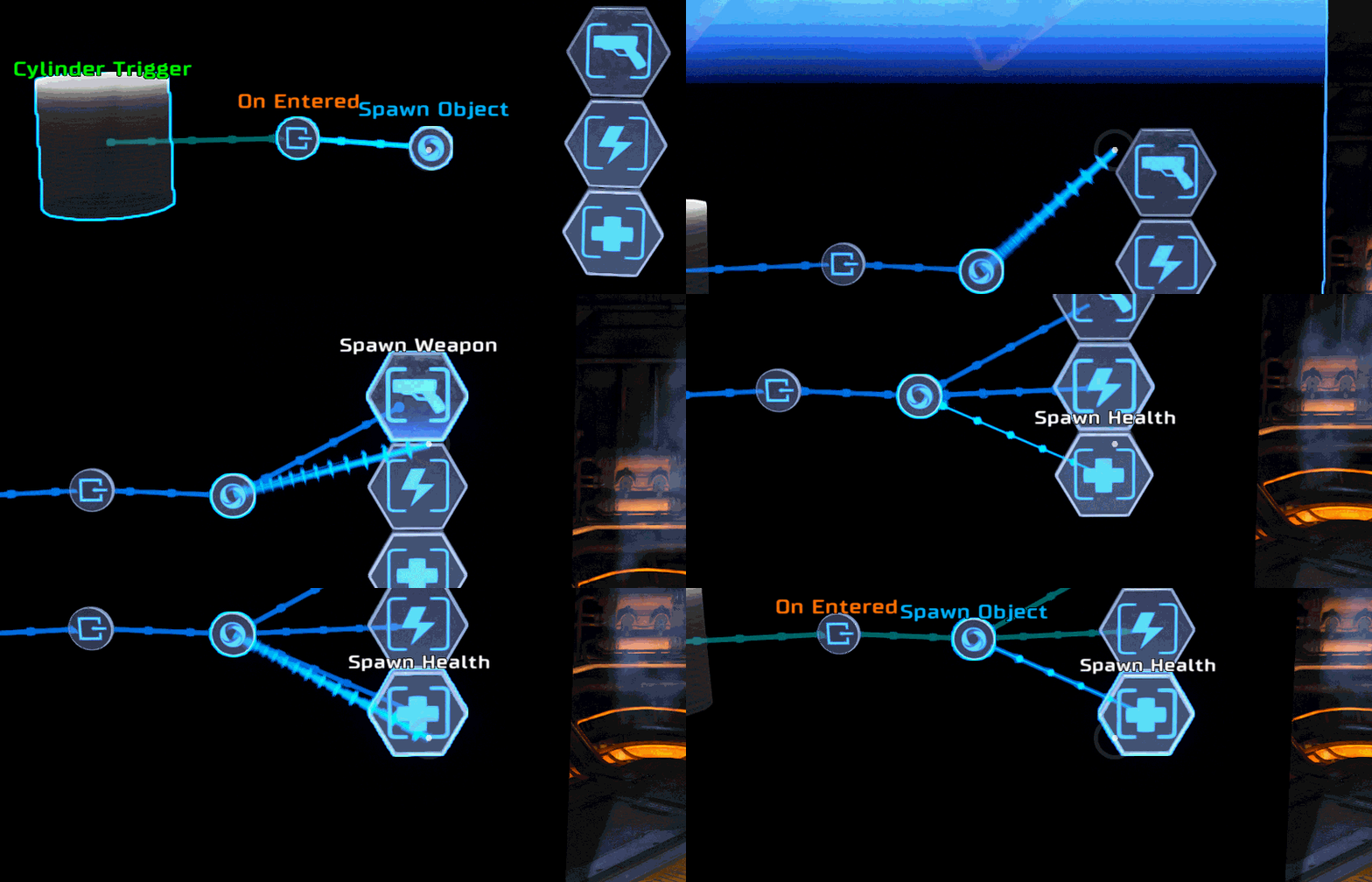
To view the order of operations on a multicasting node, hover over the node and enter Logic Chain Mode (D-pad down on controller) then hold down the options button (Left Ctrl on PC, LT on controller). By default, the multicasted branches will run in the order in which they were added. The execution order can be changed in logic chain mode.
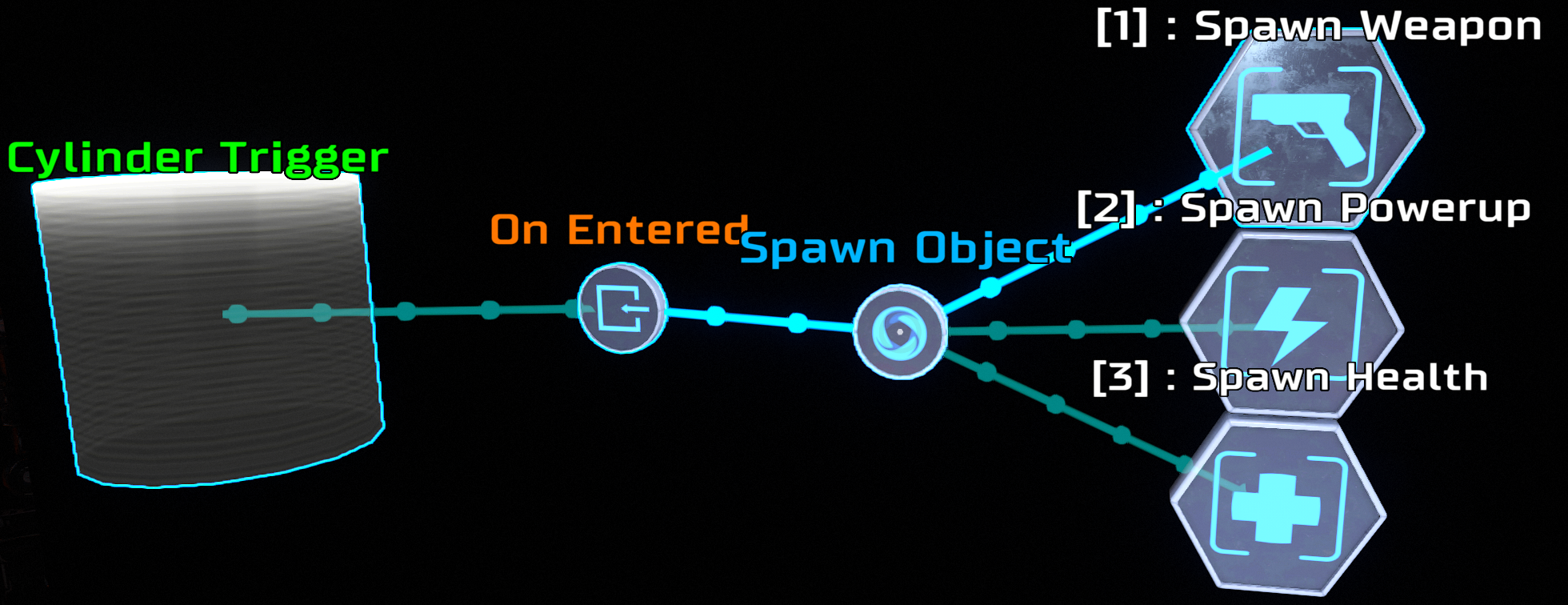
The entirety of a logic string will run before moving on to the next multicasted branch. For example, if the Spawn Weapon branch continued, the entire first chain would run before the Spawn Powerup and Spawn Health branches.