Checkpoints
For long campaign type maps, adding checkpoints can remove some of the frustration after the player dies.
See the example map named Patterns: Checkpoints with map ID JLQMWRKW.
Use Many Player Starts
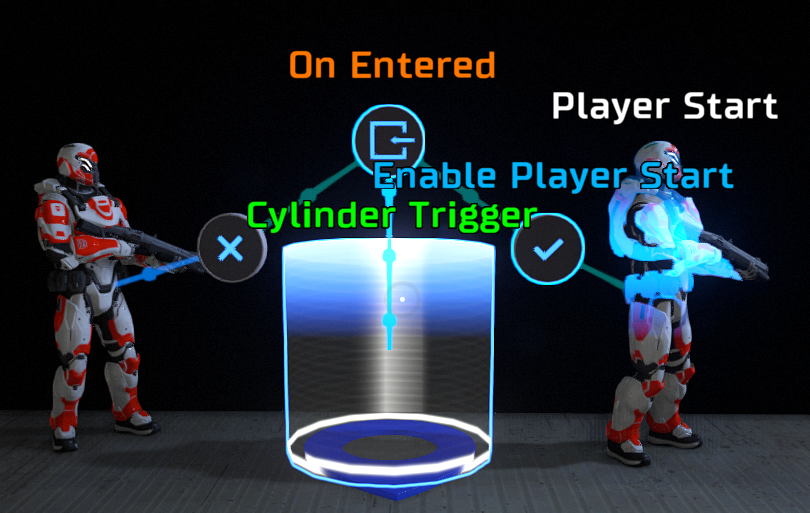
Place one Player Start at the beginning of the map, and place an additional Player Start at each checkpoint location. On the first Player Start, make sure the Enable property is set to true. On all of the checkpoint Player Starts, set the Enable property to false. When the player reaches the checkpoint, enable the checkpoint Player Start and disable the previous Player Start. This way, only one Player Start is enabled at any given time.
Non-Linear Checkpoints
Youtube creator Jan-Willem van Dronkelaar has a tutorial video named "doom snapmap checkpoints" (external link). He uses the Boolean Messenger pattern to create a non-linear checkpoint system. Whenever the player triggers a checkpoint, all checkpoint Player Starts are disabled and only the current checkpoint Player Start is enabled.